

Ever wondered if hit records are just for the pros? It might feel that way sometimes. But today, making music is a blast for anyone, even beginners.
Back in the day, recording meant endless hours and heavy, clunky gear. Now, digital studio software turns your simple ideas into full tracks with ease. Programs like Pro Tools, Ableton Live, FL Studio, Logic Pro, and GarageBand make it possible to experiment and grow without sweating over complicated tech.
Isn’t that cool? This post dives into the best tools available to jumpstart your creative journey. Ready to make some music?
Essential Music Production Software for Beginners: Top Picks
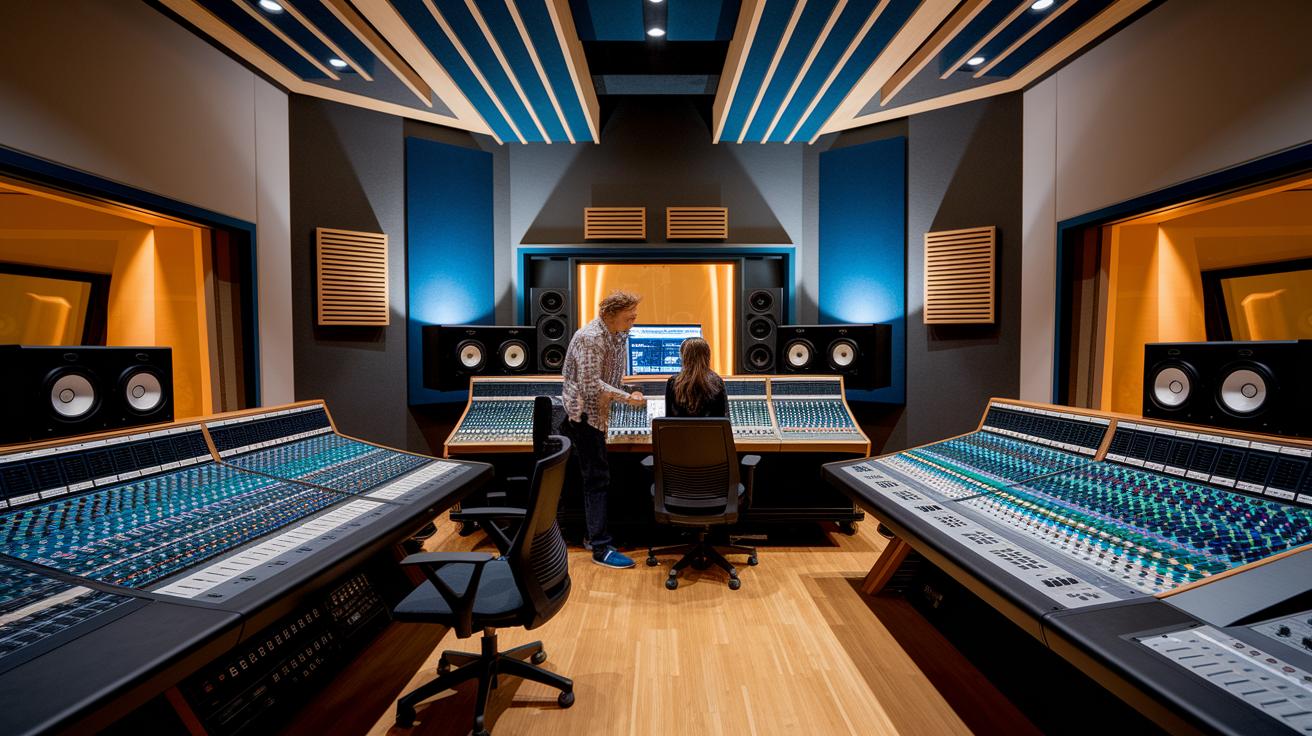
Pro Tools is the go-to for many pros working in studios, film scoring, and live shows. It packs a load of features that help you capture sharp recordings and mix them into polished tracks. Fun fact: recording sessions used to take days before digital systems came into play, but now Pro Tools lets you record, edit, and mix in one smooth process.
Ableton Live is a hit with beginners. Its clip-based, user-friendly workflow makes it feel like a creative playground where you can easily switch up loops and explore new sounds. It takes you from a burst of inspiration to a full track without any heavy technical hassle.
FL Studio, which started out as FruityLoops, is another great pick, especially if you're watching your budget, it comes in at just $99. With a powerful MIDI sequencer and the promise of lifetime updates, it's like having a toolkit that grows with your skills. Every update brings fresh instruments and effects to fire up your creativity.
For Mac users, Logic Pro is a standout choice priced at $199.99. This software boasts a huge library of plugins and works perfectly with Apple gear. Many creators say Logic Pro can turn even the simplest idea into a full-scale production in no time.
And for those new to the scene with a Mac, GarageBand is a beloved option. Free and easy to use, its drag-and-drop workflow makes laying down tracks fun and straightforward, so you can experiment without worrying about complex settings.
Each of these digital workstations offers something unique to help you turn your creative ideas into quality music, fast and simple.
Music Production Software for Beginners: Feature Comparison of Entry-Level DAWs

Are you on the lookout for a DAW that fits your early music-making journey? Here’s a friendly rundown of some popular options, breaking down price, platform, and their key features. Think of it as your backstage pass to choosing the right software that suits your vibe.
Check out the table below to compare what each DAW brings to your home studio setup. For example, if you’re after a free tool packed with solid recording options, Pro Tools Intro might be your go-to. And if you’re into clip-based workflows with beginner presets, Ableton Live Intro could be just what you need. Remember, when picking your first DAW, focus on the feature that really excites you, it makes learning so much more fun.
| Software | Price | Platform | Key Feature |
|---|---|---|---|
| Pro Tools Intro | Free | Win/macOS | Robust recording, mastering upgrade required |
| Ableton Live Intro | $99 | Win/macOS | Clip-based workflow, beginner presets |
| FL Studio Fruity Edition | $99 | Win/macOS | Powerful MIDI sequencer |
| Logic Pro | $199.99 | macOS | Extensive plugin library |
| GarageBand | Free | macOS | Intuitive interface, preinstalled |
| Audacity | Free | Win/macOS/Linux | 32-bit/384 kHz, multitrack editing |
No matter which option you go with, these tools are designed to get you recording, mixing, and editing quickly so you can jump into experimenting and making music right away.
Music Production Software for Beginners: Installation and Setup Guide
Starting with your first digital audio workstation is a blast. It lets you turn your cool ideas into real sounds with just a few easy steps. This guide is like your backstage pass to recording and editing your own music.
First, visit the official website and download your chosen DAW. Try out free or trial versions to see which one vibes with your style.
Next, hook up an audio interface, or just use your computer's built-in sound if that's more your speed. Getting a solid setup here means your recordings come out clear and crisp.
Then, adjust the sample rate (typically 44.1 kHz or 48 kHz) and set the buffer size for low latency. This little tweak makes sure your performance stays in sync with your creative vision.
Finally, start a new project by adding audio or MIDI tracks. Spend some time getting to know the play, stop, and record controls. This step is your ticket to experimenting and growing as a music producer.
Follow these simple steps, and you'll be on your way to capturing your musical ideas and exploring the world of digital audio production in no time. Enjoy the ride!
Music Production Software for Beginners: Core Production Processes Explained

Recording is where it all begins. You capture your sounds digitally, making sure your input levels are just right so every note comes through clear. Picture using a microphone that picks up your voice perfectly, without any stray background noise. It might sound simple, but getting this step right lays a solid foundation for your track.
Mixing is like putting together the ingredients for a delicious recipe. Here, you balance your recorded tracks by adjusting each one’s volume, spreading sounds between the left and right channels, and tweaking the equalization to bring out the best in each frequency. You might add a little compression or reverb to give your mix a fuller feel. Ever mix a smoothie? Just like every fruit has its own kick, every sound needs its own space to shine.
Mastering is the final polish on your music. This step boosts the overall loudness and clarity, so your track sounds amazing whether you’re listening on speakers or headphones. It fine-tunes every detail, ensuring that every beat and melody pops just right. Think of mastering like adding the final brush strokes to a painting, each touch makes your work stand out with brilliant quality.
Free Music Production Software for Beginners: Top No-Cost Tools

If you're excited to make music but don’t want to break the bank, free production software is a fantastic way to dive in. These programs let you experiment, record, mix, and even polish your tracks without spending a penny. They come with plenty of cool tools to keep your creative flow smooth, making them a great pick if you're just testing the sound production waters.
Check these out:
- Audacity – Already loved by around 100 million users, this open source editor lets you work with high-quality audio (32-bit/384 kHz) and multitrack editing. It’s perfect when you need to catch every little detail in your performance.
- Ocenaudio – With its modern design and real-time effects, it makes navigating and fine-tuning your sound waves super simple.
- Waveform Free – This option offers a full set of features and runs on several platforms like Windows, macOS, Linux, and even Raspberry Pi. It’s a flexible choice if you switch between different systems.
- LUNA – Made by Universal Audio, LUNA gives Mac users a solid set of recording tools at no cost, bringing professional-grade features right into your studio.
- Komplete Start – With over 2,000 studio-quality sounds and 16 virtual instruments, this suite is your go-to for crafting unique beats and sounds.
All in all, these free apps and editing suites are ideal for new producers looking to record, tweak, and layer their sound creations. So why not give them a try and start shaping your musical ideas while building your confidence in the exciting world of music production?
Choosing the Best Music Production Software for Beginners: Expert Tips

Picking the right music software from the start can really boost your music-making journey. It’s not just about finding something simple; you need a program that grows with you as you learn new tricks. Think of it like choosing a tool that helps you jam and experiment, without holding you back later.
When you’re on the hunt, check for a few key features: compatibility with your operating system (whether you’re on macOS, Windows, or Linux), the quality of the built-in sound library and plugins, a user-friendly design with helpful presets, clear upgrade options and fair pricing, and a strong community with plenty of tutorials and active forums.
Keep these points in mind and you’ll have a solid list to guide you. This way, you get a DAW that fits what you need right now while also keeping an eye on your future growth as a producer. Enjoy your creative journey and have fun exploring new sounds!
Final Words
In the action, we broke down everything from selecting music production software for beginners to setting up and running your first project. We compared top-notch tools like Pro Tools, Ableton Live, FL Studio, Logic Pro, and even free options for those starting out. Each section offered handy tips on recording, mixing, and mastering, along with an easy setup guide. With options for every budget and user, the future of your music production journey is bright. Step into your next studio session with confidence and keep creating great sounds.
FAQ
Q: What free and best music production software options are available for beginners on Windows and Mac?
A: The free and best options for beginners include tools like GarageBand for Mac, Audacity, and introductory versions of FL Studio and Ableton Live on Windows. They offer simple interfaces and essential features to get you started.
Q: What is the easiest music making software to use?
A: The easiest music-making software is one with an intuitive design, such as GarageBand or Ableton Live Intro. These programs let you quickly jump into recording and producing tracks with minimal setup.
Q: What software did Billie Eilish use?
A: Billie Eilish started with GarageBand on her Mac, which helped shape her early sound before she moved on to more advanced production tools.
Q: Can ChatGPT create music?
A: ChatGPT can generate lyrics, tune ideas, and production tips, but it cannot produce audio tracks or craft complete music on its own, serving instead as a creative assistant.
Q: How do I start music production as a beginner?
A: Begin by choosing a digital audio workstation, installing it, and setting up your audio interface. Then start a new project by adding audio and MIDI tracks to record and experiment with your sound.
Q: What are some popular DAWs like FL Studio, Ableton Live, REAPER, Logic Pro, and Cakewalk Sonar?
A: Popular DAWs include FL Studio for its powerful MIDI tools, Ableton Live for its clip-based workflow, REAPER for custom setups, Logic Pro for an extensive plugin library on Mac, and Cakewalk Sonar for comprehensive recording on Windows.